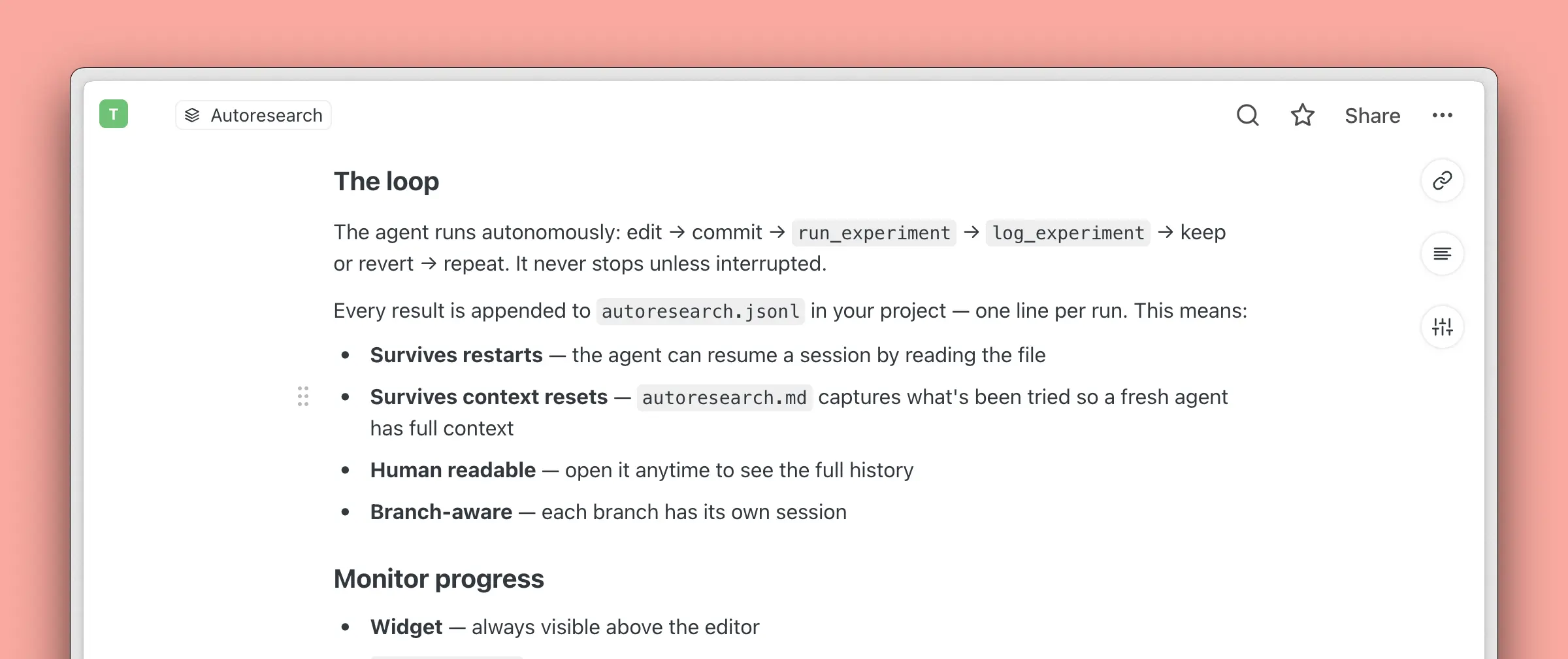
Keyboard-first Saga AI

We’ve made a series of improvements to Saga AI and the editor to make writing feel faster, more predictable, and easier to learn.
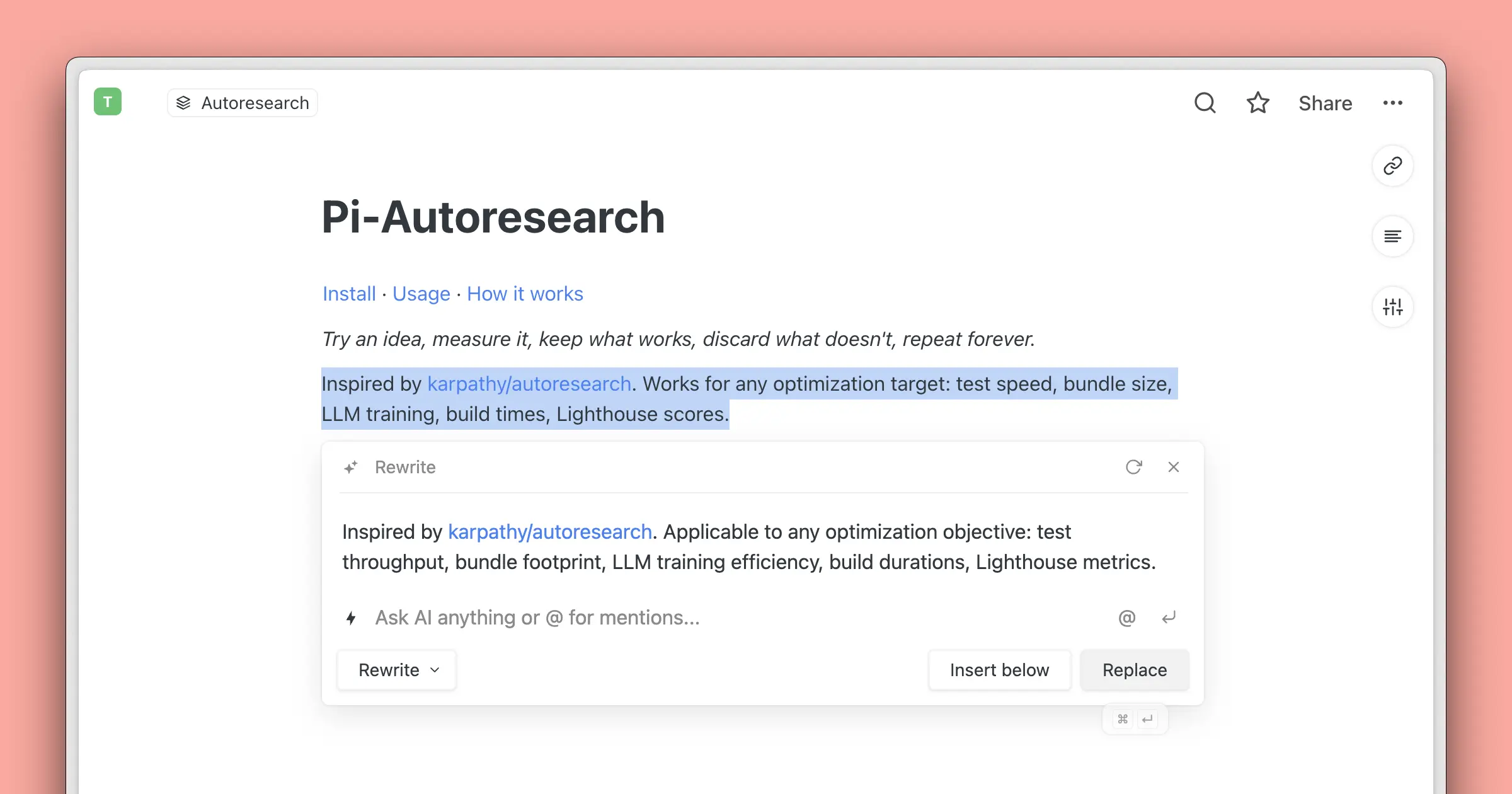
Faster AI editing
Saga AI in the editor now feels much more keyboard-friendly.
You can accept AI results faster with:
- ⌘ / Ctrl ↵ for the primary
action such as
KeeporReplace - ⌥ / Alt ↵ for
Insert below
We also improved how shortcuts behave as you move between the answer, actions, and follow-up prompt.
As a reminder, you can quickly open Saga AI in the editor with ⌘ / Ctrl J, or open AI Chat on the side with ⌘ / Ctrl L.
We also refreshed the Keyboard Shortcuts guide so it is easier to browse the latest commands in one place.
A bit more editor polish
Shortcut hints are now easier to spot across Saga.
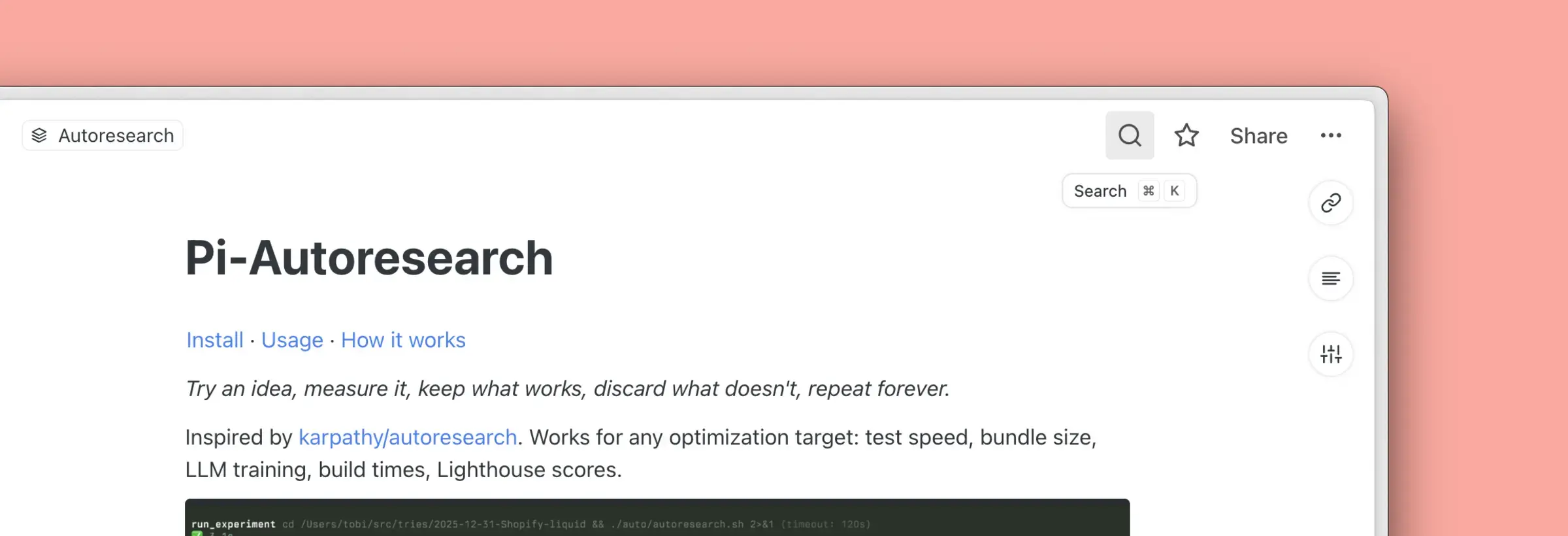
Inline code in the editor also feels better balanced visually, so it stays readable without standing out quite as heavily as before.